Tailscale as a personal VPN
Tailscale is my personal VPN that connects virtually all my devices.
It offers a generous free plan that allows up to 100 devices and 3 users.
It supports virtually all types of devices that I have: iPhone, iPad, Macbook Pro, Apple TV, Mac Mini and Raspberry Pis.
VPN = securely connect my devices
When people talk about a VPN they commonly refer to a paid service that allows them to safely surf the internet with a global network of servers to choose from.
Tailscale instead is a personal VPN that allows me to create a secure virtual network to connect all my devices together.
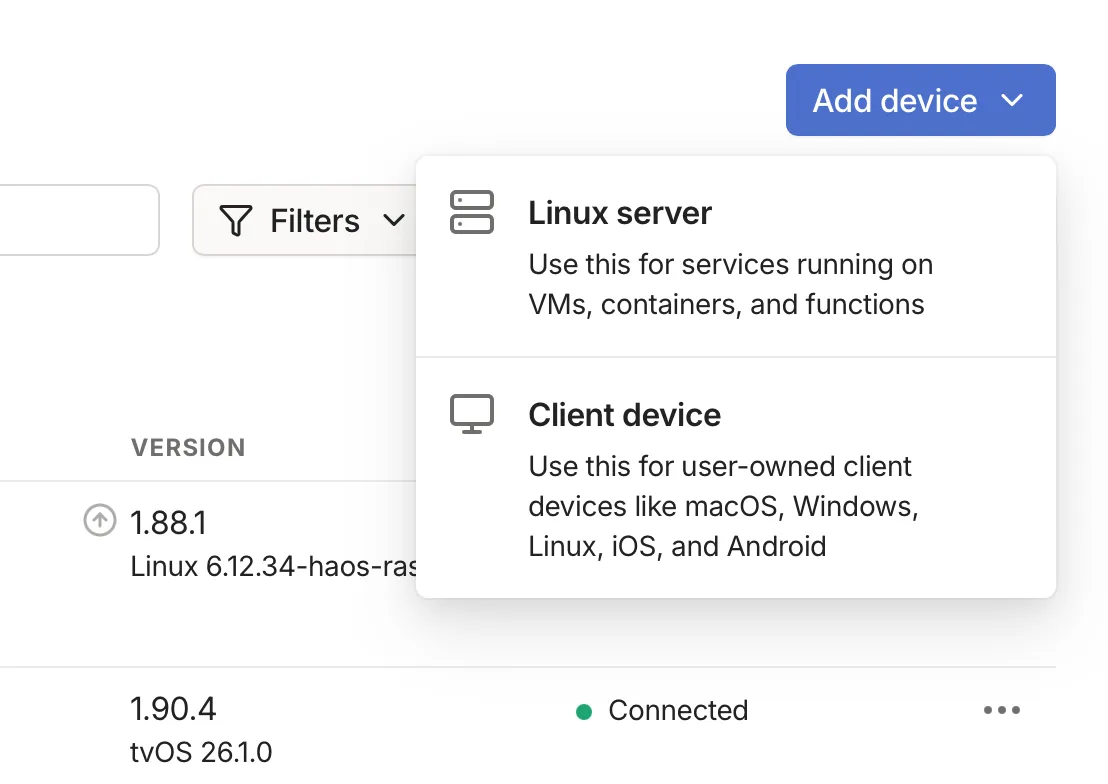
I use it both on traditional clients that have a GUI like an iPhone or Apple TV but also on headless servers like a Raspberry Pi running Linux.
Make it easy to connect to different devices
Tailscale offers out of the box what they call Magic DNS which is a fantastic feature that allows me to easily connect to my devices by using a machine name instead of its IP address.
Machine names are very easy to remember and I can create custom names like iphone-mattia, rpi5-london or mac-mini-italy.
$ ssh [email protected] # without Magic DNS
$ ssh username@rpi5-london # with Magic DNS 🎉
Remotely manage my servers and connect services
I have several Raspberry Pis in 2 different locations and Tailscale makes it easy to access them remotely no matter where I am.
On top of that I can also connect services that are running in different servers in different locations without the need to configure static IP addresses or port forwarding rules.
# from rpi5-london
$ curl -I rpi5-italy:1234/my-service
Use different exit nodes when needed
As a personal VPN, Tailscale doesn’t offer exit nodes like traditional VPNs with their global server networks. But that doesn’t mean I can’t have my own exit nodes.
An exit node is a client that runs Tailscale allowing traffic from other devices on the network to “exit” from its internet connection.
Exit nodes must be configured and enabled in the Tailscale dashboard.
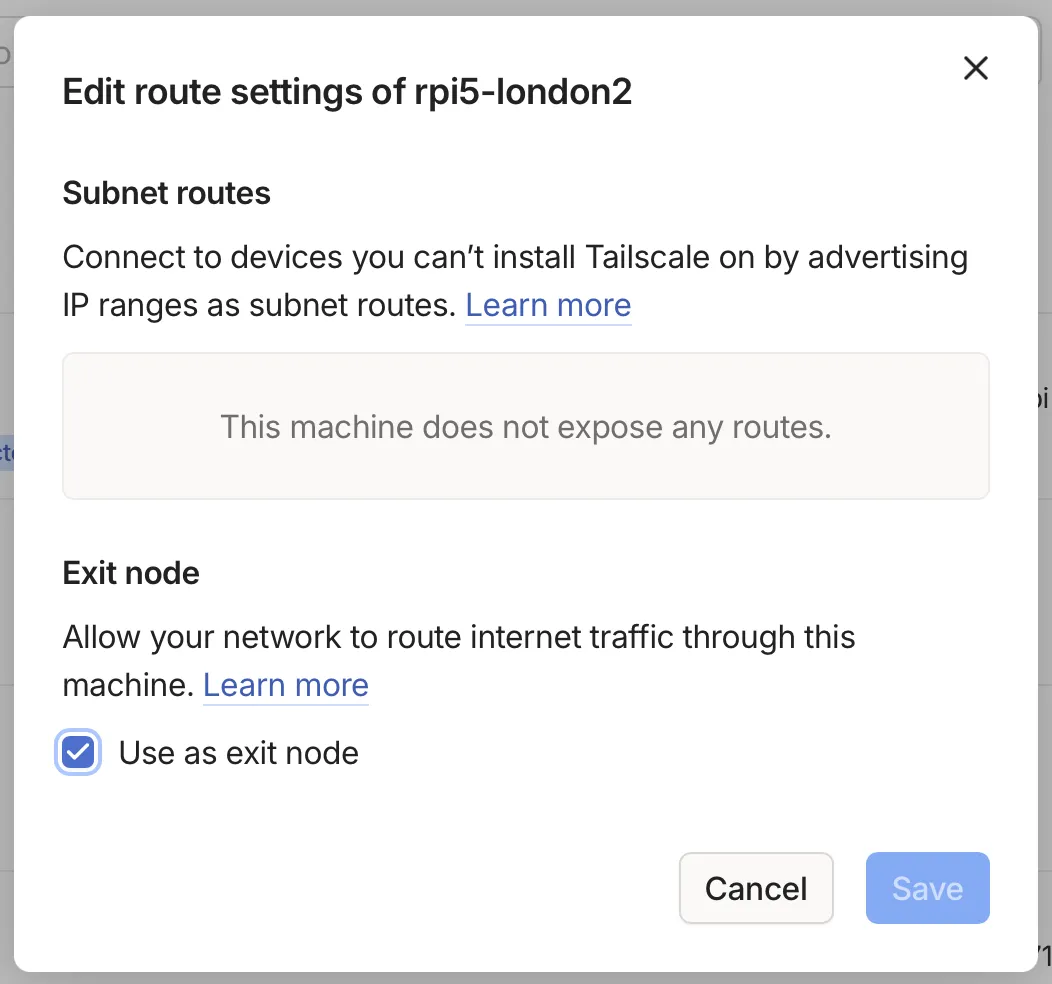
My most common use case is watching content and subscriptions from my home country when I’m abroad. All that’s needed is a device that stays connected — a Raspberry Pi or even an Apple TV in standby works great.

For convenience, I disable key expiry on the devices I keep at home and always connected, so I never need to re-authenticate the machine.
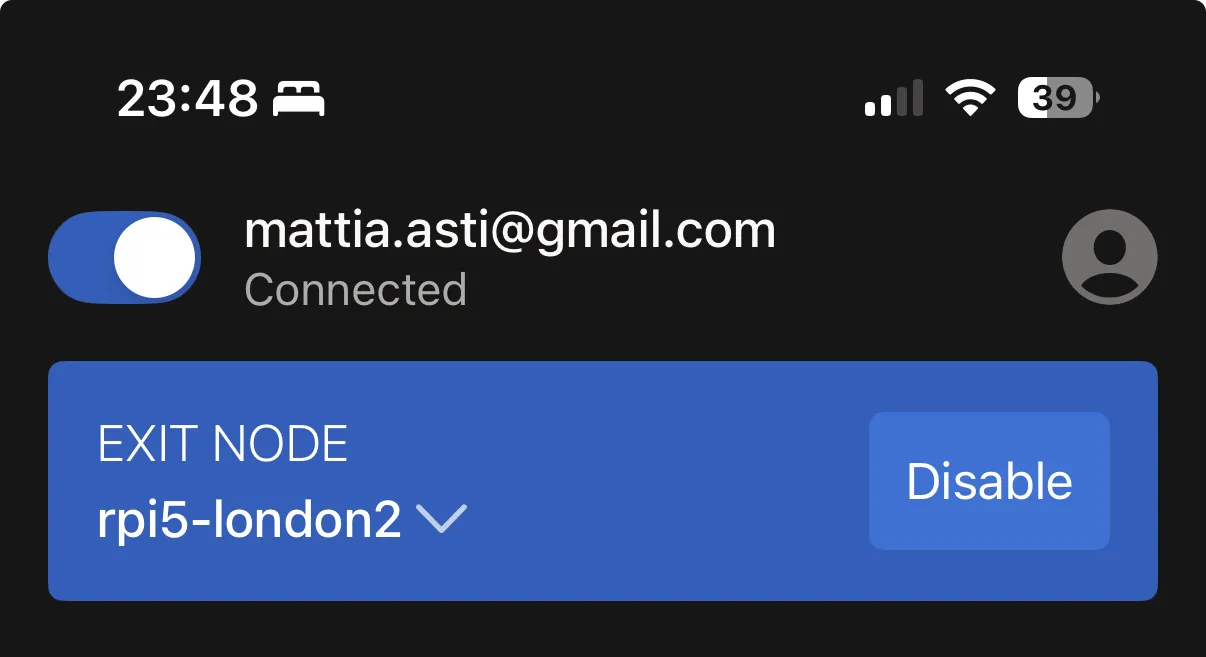
Once the exit node is enabled it shows a badge and it becomes available to be used by other devices, for example this is a screenshot of my iPhone Tailscale iOS client:
Centrally manage DNS
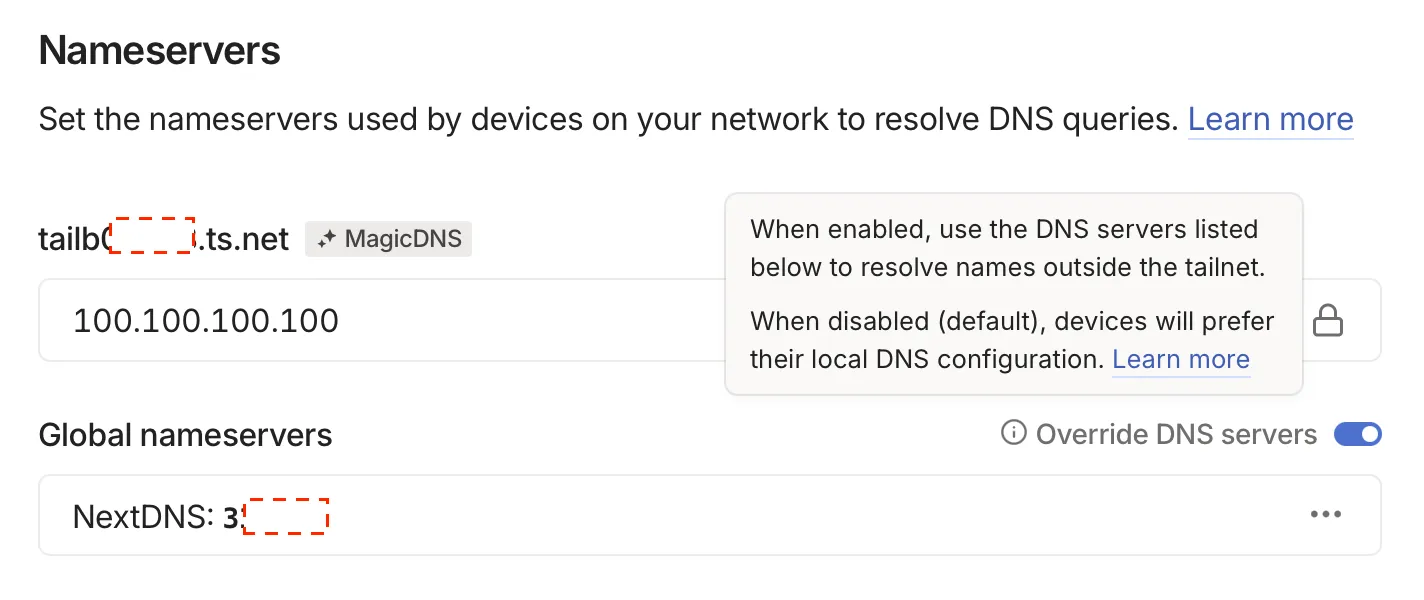
I use NextDNS as a provider and Tailscale allows me to easily integrate with a custom Nameserver so I can force DNS resolution on all my devices no matter what network I’m connected to.